
11 Ways to Create Visual Content That Grabs Your Audience!
Ready to create visual content?
Do you sometimes feel stumped on what to create?
Or maybe you’re in a rut – perhaps always creating picture quotes – and need some fresh ideas.
Visual content ideas are exactly what you’ll find here! Not only 11 types of visual content, but a choice of ways to make each type.
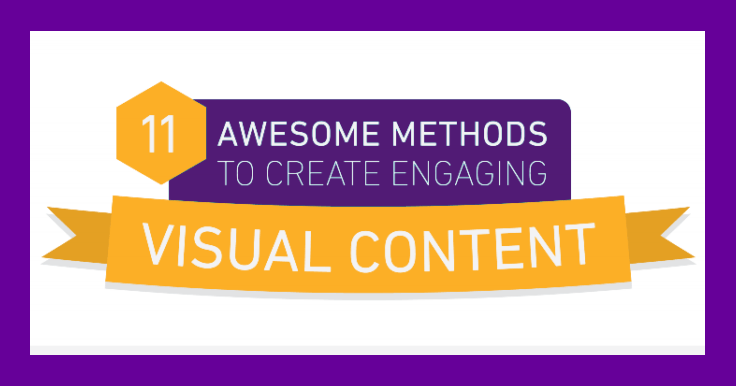
Check out the infographic from FastWebStart, then read on for more tips, with direct links to resources you’ll love!

Why Use Images?
- Articles with images get 94% more total views.
- Posts with images get 650% more engagement than text-only posts.
- 81% of people only skim the text they read online.
- Posts with videos attract 3x the links of text-only posts.
11 Ways to Make Content More Visual
Eye catching, relevant photos
Choose photos that are relevant to your business and audience. Click for more tips on choosing stock photos.
Here’s where you can download free, high quality photos, with NO attribution required:
 Example of a free photo from Pixabay.
Whiteboard videos
With a little practice, anyone can create whiteboard videos.
Here some tools that can make a good whiteboard video:
[embedded content]Whiteboard video example.
Explainer videos
These are a great way to simplify a complicated topic. Tools to help you make explainer videos:
[embedded content]Explainer video made with Powtoon.
Screencasts
A screencast demonstrates how to do a specific task, step-by-step.
Here are the tools to build and share screencasts:
[embedded content]This video shows how to create a screencast with Mac QuickTime.
Screen shots
Screenshots of software, app screens, or webpages work well in an educational or tutorial post. I use screen shots a lot in my writing. I hope you find them as helpful as I do!
Tools that help you snap and markup screen shots:
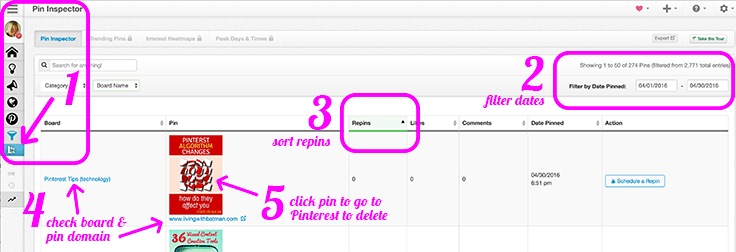 My screen shot of the Tailwind Pin Inspector for a recent tutorial.
Infographics
These are perfect to depict data, statistics, facts, and figures in an interesting and engaging way.
Here are some online tools to make infographics:
For an infographic example, see above!
Cartoons
Cartoons attract eyeballs because of the anticipation of a good punch line. If you’ve got the sense of humor, try these tools to help you make cartoons:
 Cartoons also make great visuals. This one created by Powtoon.
Data Visualization
Data is an excellent way to make a point. Data made visual is even more convincing.
You could think of these as mini-infographics – perhaps an infographic broken into its component parts.
Check the infographics tools for resources.
Instructographics
Instructographics are collages of step-by-step images on how to complete a task. These are super popular on Pinterest! They’re perfect for DIY projects, recipes, and beauty tips.
Try these tools to make your own instructographics:
Below is an instructographic for avocado bacon fries!
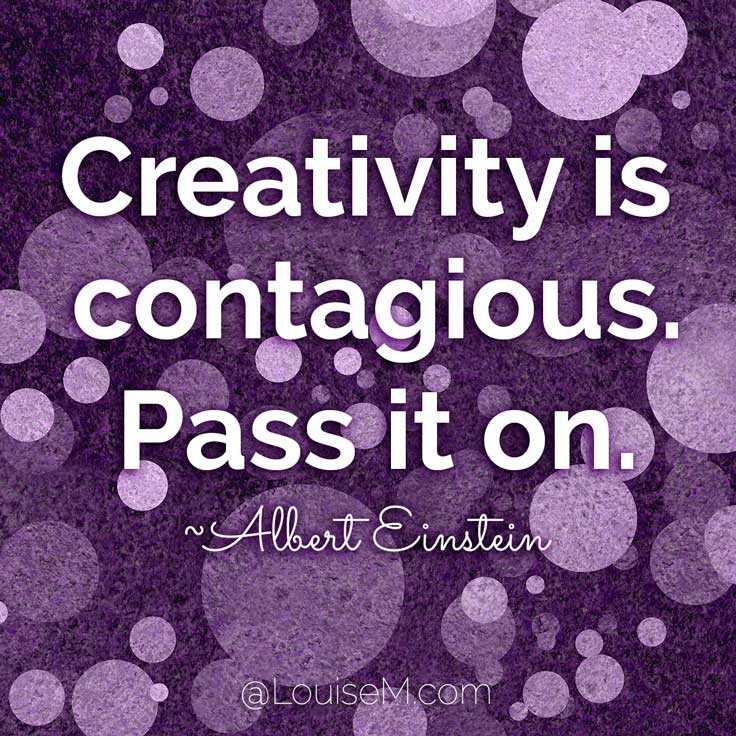
Inspiring Quotes
A favorite that I’ve written about frequently! Check these blog posts for dozens of tools:
20+ Easy Ways to Make Picture Quotes Online
20+ iPhone Apps to Add Text to Photos
Best Design Tools for Non-Designers
Where to Find Quotes for Social Media
Make Picture Quotes Without Photoshop
How to Use Pixteller to Make Quote Graphics
Memes
Memes can be silly and sassy. If this works for your brand, use them on your website and social media. They have the potential to go viral!
Here are some online tools to make your own memes:

Bonus! Tips Graphics
This isn’t on the infographic, buut… Tips graphics perform best for me on every social channel. Why? I’m sharing expertise my followers need!
Create a template in Picmonkey, Canva, or another tool mentioned under Inspirational Quotes. Bang out a dozen or two of your best tips, and share away!

Conclusion: You Must (and Can!) Create Visual Content
If you’re not using visual content, you basically don’t exist online. You’re virtually invisible!
If you’re not convinced, please check out the infographic 7 Things You Need to Know About Visual Content Now.
Humans are changing. Our methods of communicating must change too.
Visual content is the answer.
Let me know in a comment: what else do you need to create visual content?
{loadposition user99}


Leave a comment